Editing guide
Best AI Video Editor for My Videos
Start with the recordings you already have and a clear idea of what you want to change.
Read the guide →The ChatGPT Video Editor blog. Practical editing guides, useful prompts, and a closer look at working with reference videos.
Start with the recordings you already have and a clear idea of what you want to change.
Read the guide →
Turn a folder of trip clips into a video that feels like a journey.
Read the guide →
Choose visuals that support the song, and check the timing that makes a performance believable.
Read the guide →
Give a recorded stream moment enough context to work for someone who missed the live show.
Read the guide →
Find the freedom you need by checking the limits that affect your actual project.
Read the guide →
Choose an editing process that fits your computer, your footage, and the way you like to work.
Read the guide →
Know what will appear in your downloaded video before you commit to the full edit.
Read the guide →
Make your offer easier to understand without burying it under effects.
Read the guide →
Separate the look of your footage from the design of its captions and graphics.
Read the guide →
Turn action-camera clips into a story while keeping the important movement visible.
Read the guide →
Build complete gaming videos with clear commentary, useful context, and readable visuals.
Read the guide →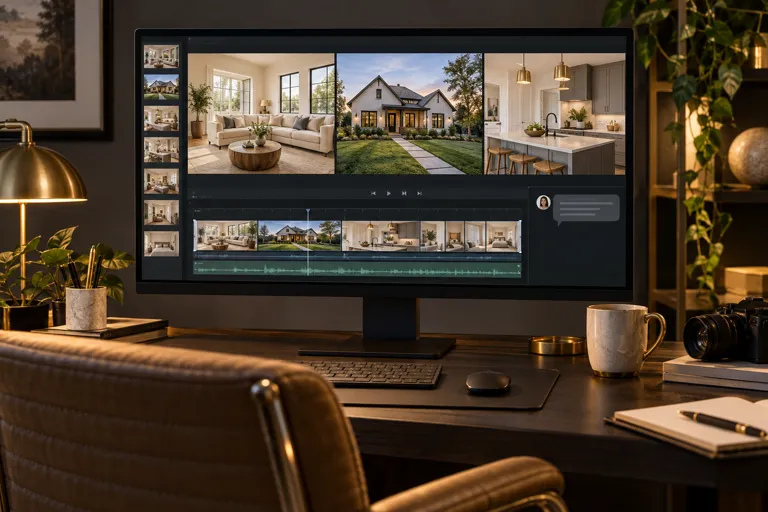
Help viewers understand a property through a clear tour and accurate details.
Read the guide →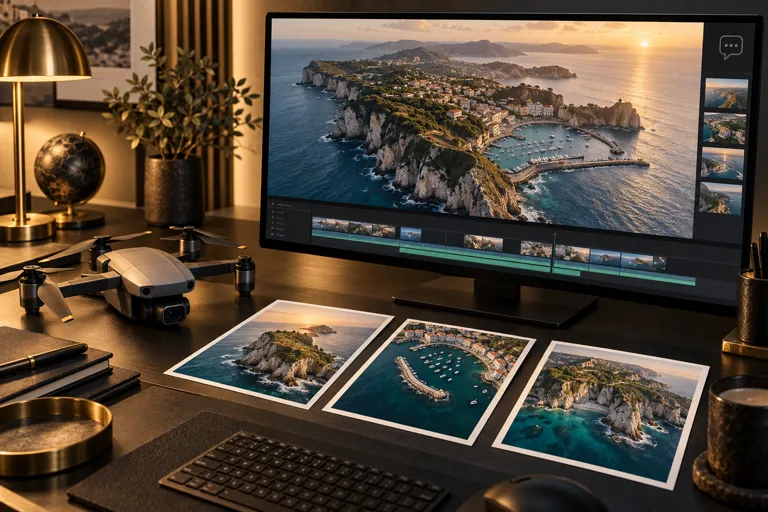
Give aerial shots a clear sequence while keeping the landscape as the focus.
Read the guide →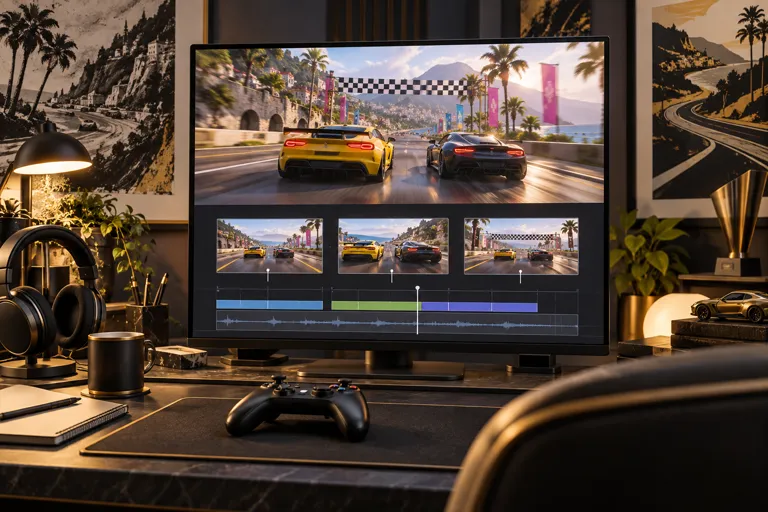
Make a gaming highlight understandable without cutting away the moment that makes it good.
Read the guide →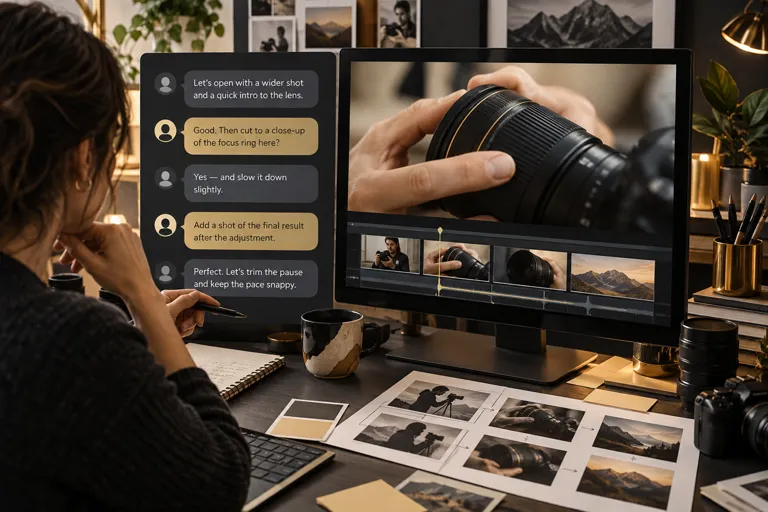
Use clear prompts to direct an installed video editor and review the actual edit.
Read the guide →
Start editing with clear instructions, understandable previews, and small decisions you can review.
Read the guide →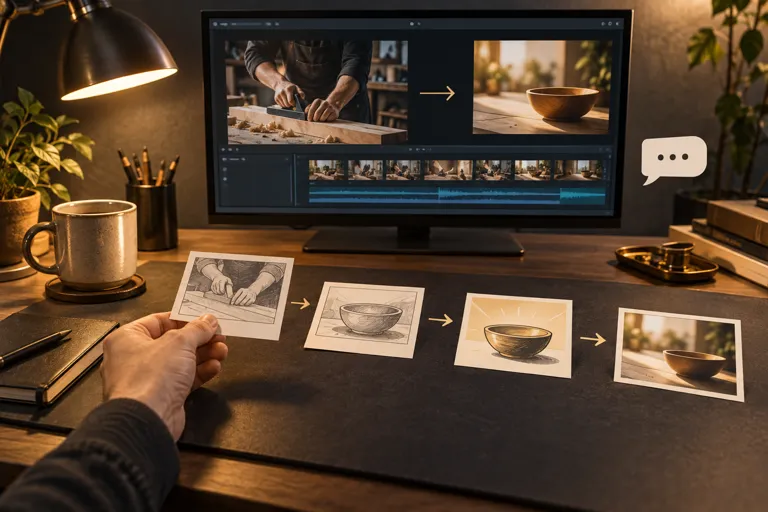
Get help doing the editing work while keeping control of the decisions that matter.
Read the guide →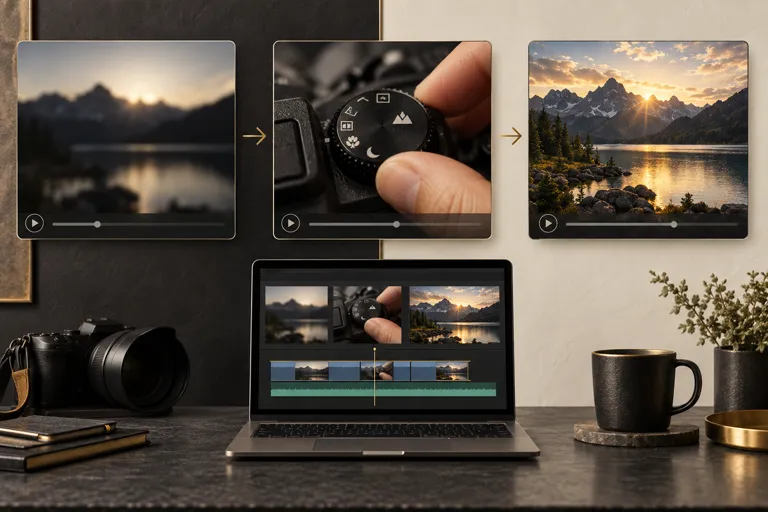
Make a short video feel complete without squeezing every idea into it.
Read the guide →
Build TikTok videos around a clear idea, readable captions, and well-timed reactions.
Read the guide →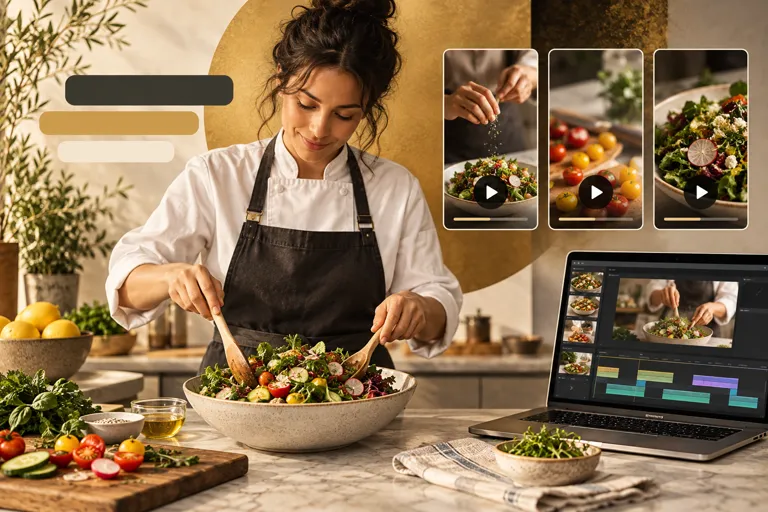
Make each Reel easy to understand on a phone, with a clear point and purposeful edits.
Read the guide →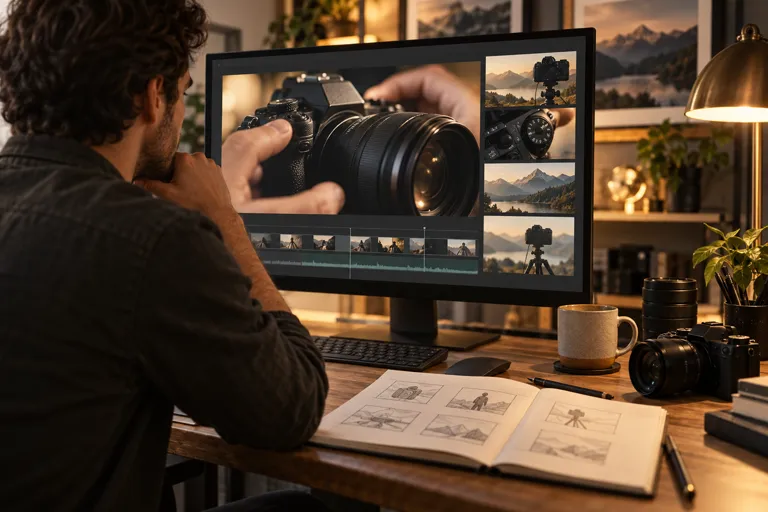
Turn your recordings into a YouTube video that delivers on its opening promise.
Read the guide →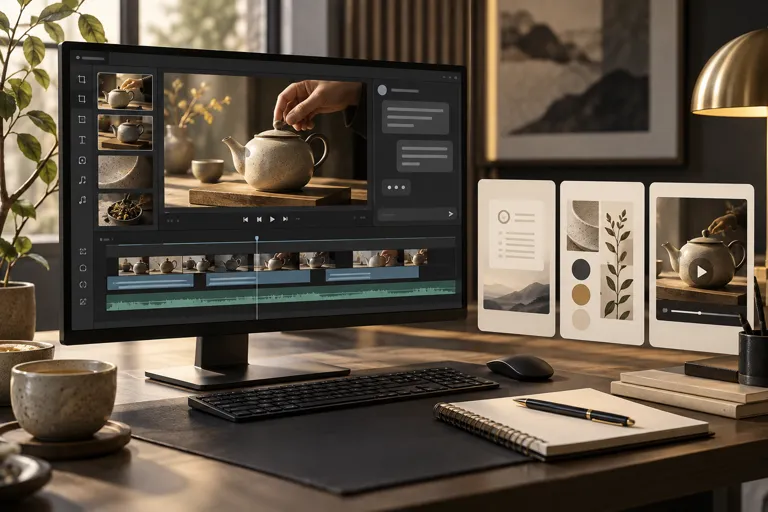
Learn what makes an AI editor worth paying for and compare the monthly and lifetime options before following the full workflow.
Read the guide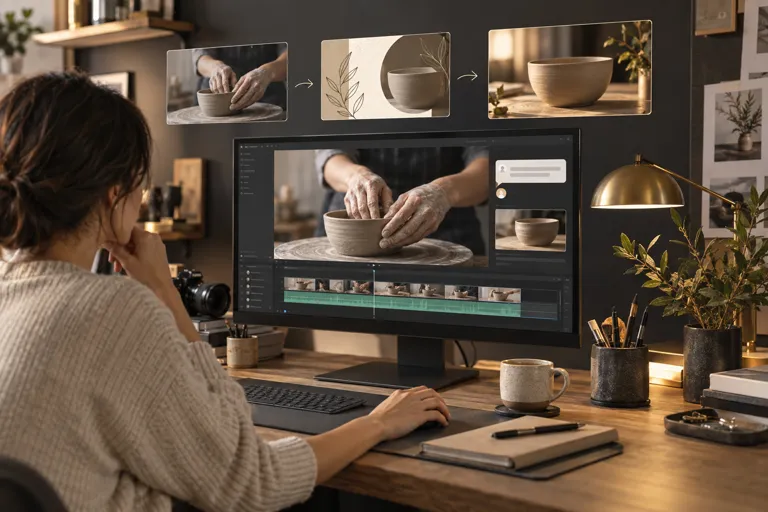
Learn what to look for in an AI editor today and follow a complete workflow for editing your own footage.
Read the guide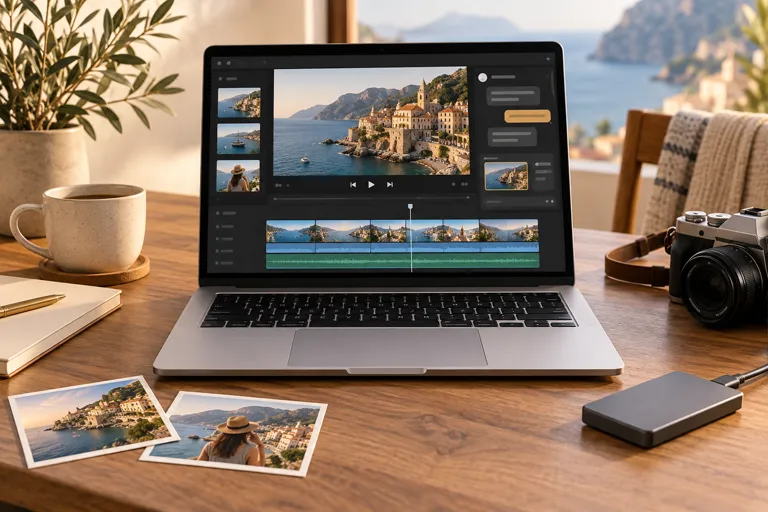
Check what matters in a MacBook editing setup and follow the workflow from your recordings to the final download.
Read the guide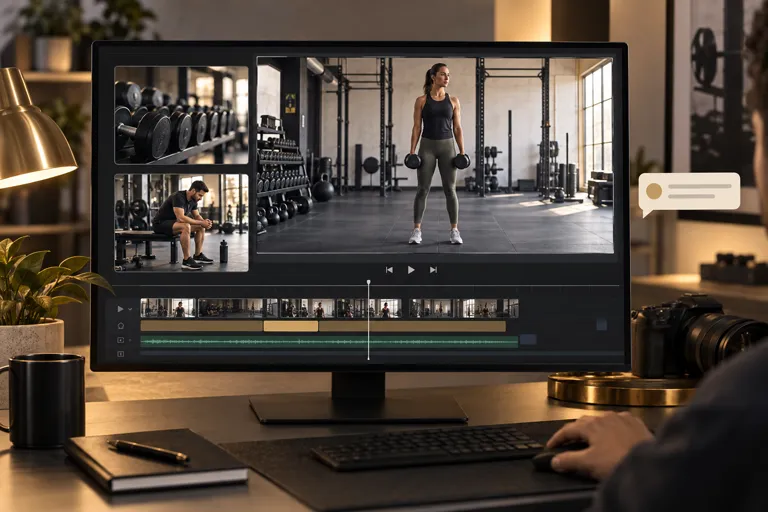
Find out what to look for when editing gym footage, then follow the workflow for highlights and exercise demonstrations.
Read the guide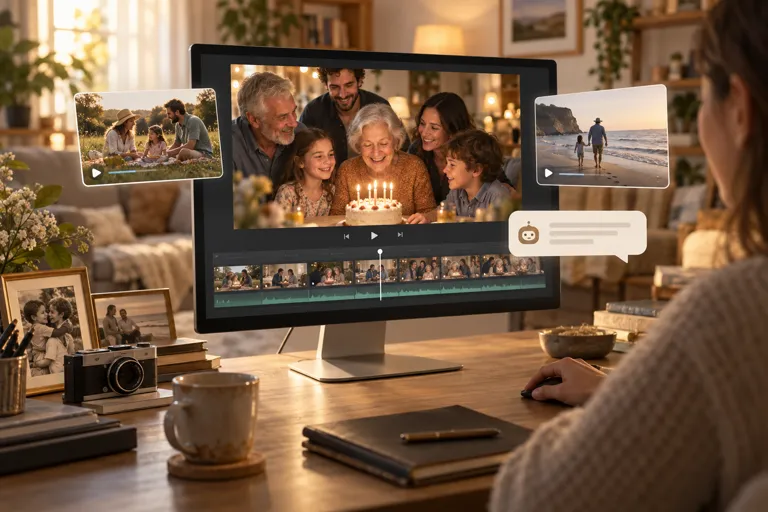
Learn how to guide a home video edit, keep meaningful family moments, and save a finished video to watch again.
Read the guide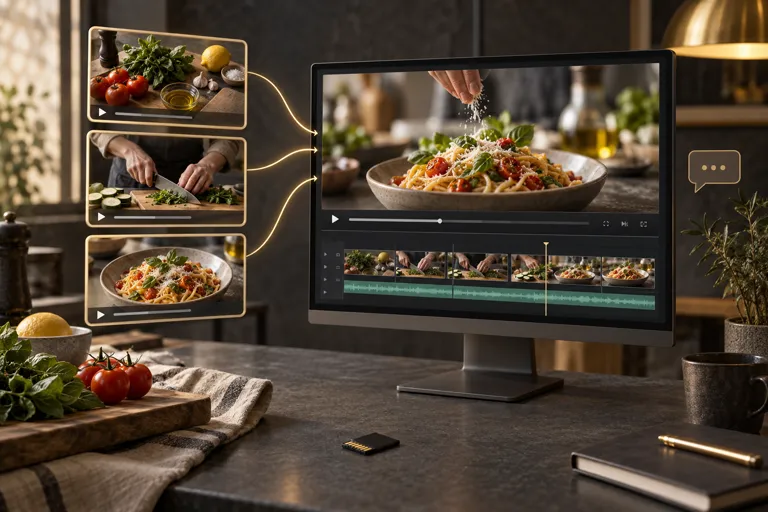
Learn how to choose an editor for your existing recordings and follow the steps from uploaded clips to a finished video.
Read the guide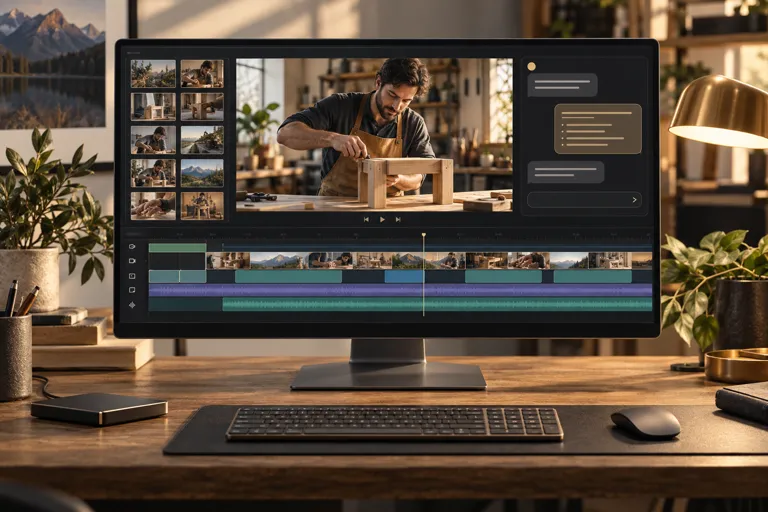
Explore what matters in a desktop editing setup and follow the steps from your original recordings to the final download.
Read the guide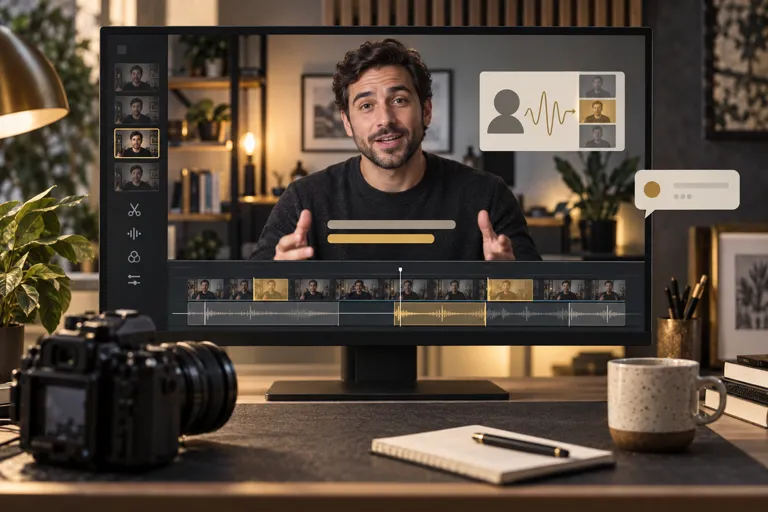
Learn what an AI editor should do for your on-camera delivery, and follow the steps to a finished talking head video.
Read the guide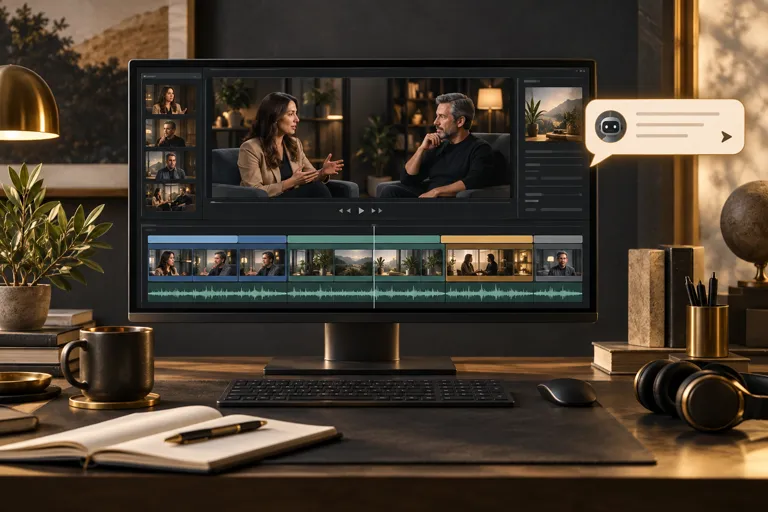
Learn what to look for when editing longer lessons and interviews, and follow the full process from footage to download.
Read the guide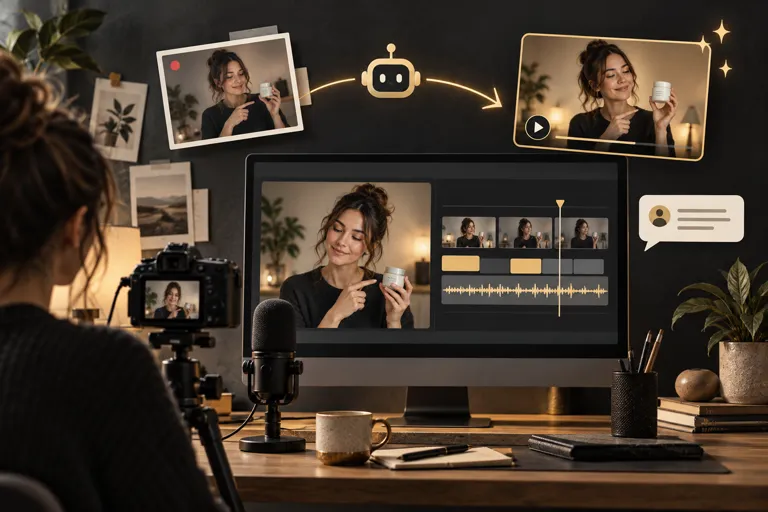
See how an AI editor can help you finish your reviews, lessons, and other recorded content, with a complete guide to the editing steps.
Read the guide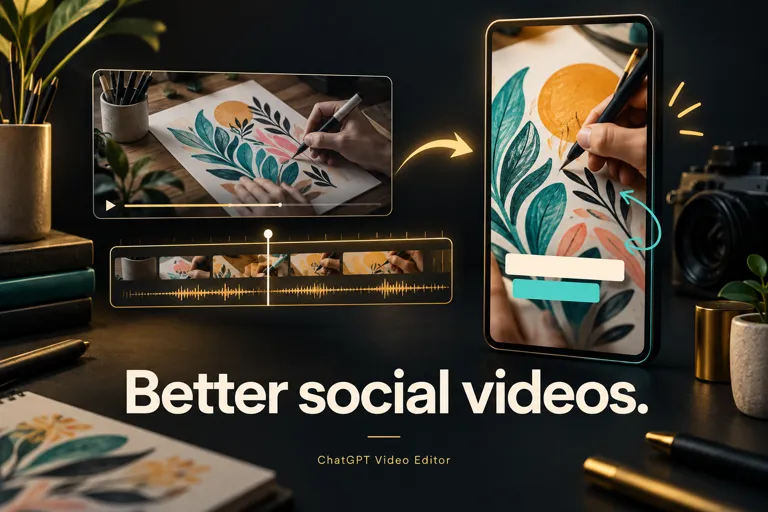
Learn what to look for in an AI video editor and follow simple steps to edit your video, with examples you can watch.
Read the guide