Editing guide
Best AI Video Editor for GoPro
Turn action-camera clips into a story while keeping the important movement visible.
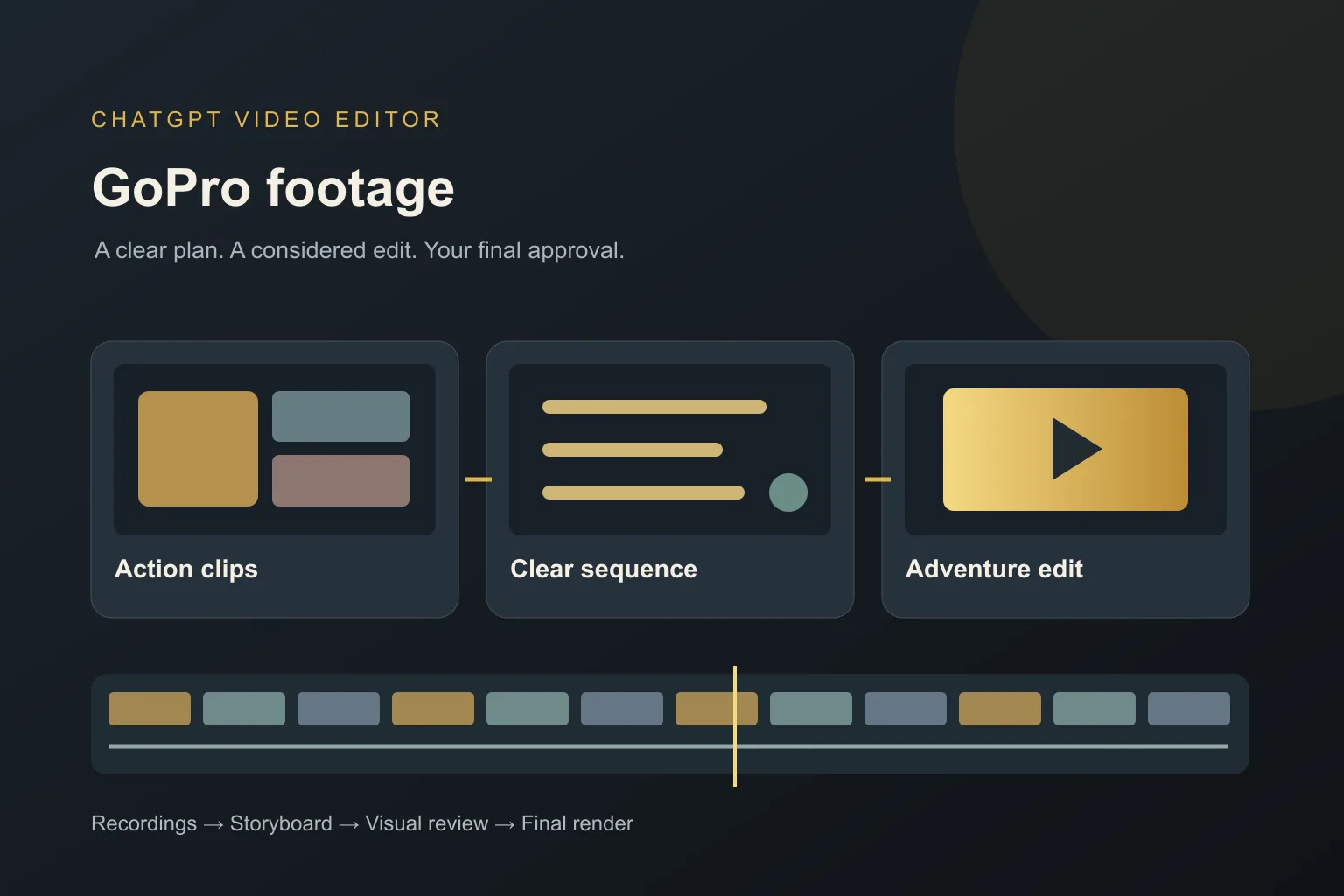
Action-camera recordings often include far more than the moment you want to share. The camera keeps running during preparation, waiting, and repeated attempts. Later, you need to find a sequence that helps someone understand the experience.
The best AI video editor for GoPro should help you shape your supplied recordings into that sequence. You also need to check whether the tool supports your particular files and any specialist processing they require.
What should you expect from an AI video editor for GoPro?
It should accept your actual recordings
Check the file format, size, and recording settings you used. Do not assume every mode from every camera is supported. Keep an original file available when checking compatibility rather than relying on a small shared copy.
It should preserve the useful action
The editor should help remove waiting without cutting away the start or completion of the movement. A cycling clip may need the approach to explain the turn. Tell it where the action begins and what makes the shot worth keeping.
It should build a sense of place
An entire video of close action can be difficult to follow. You may want an establishing view, the main activity, and a quieter ending. Give the editor clips that provide that context and explain their order.
It should be honest about specialist correction
Stabilization, horizon correction, and unusual lens formats are separate capabilities to verify. An editor's ability to assemble video and add graphics does not prove it can process every action-camera format. Use suitable source preparation when needed.
It should keep graphics away from movement
A title that looks clear in one frame may cover the subject as the camera turns. Review placement across the whole shot. Keep labels short when the background changes rapidly.
It should preserve useful sound
The original environment can help convey the experience. Ask to retain meaningful sound and check any speech. Do not assume severe wind or distorted audio can always be repaired. Judge the preview with headphones as well as the picture.
What is the best AI video editor for GoPro?
We recommend ChatGPT Video Editor when you want to direct a planned edit of your action-camera footage. You supply the clips, reference style, and information about the activity.
For a trail ride, you could request a short location opening, the approach and turn kept together, and a calm closing shot. The storyboard lets you check the story before approving graphics or transitions.
Plans cost $19 per month or $197 for lifetime access. Confirm setup and file support on the homepage. This recommendation is for editing compatible recordings, not a claim of support for every camera mode.
Which editor fits your GoPro recordings?
Action footage needs a clear sequence, but some recordings also need technical correction. Keep those two needs separate when comparing tools.
DaVinci Resolve Studio
DaVinci Resolve Studio includes lens correction and noise reduction. It deserves consideration when the action-camera image itself needs specialist attention. DaVinci Resolve Studio features.
Final Cut Pro
Final Cut Pro offers a Magnetic Timeline and intelligent slow motion. It may suit an action sequence you want to arrange and refine manually. Final Cut Pro features.
CapCut
CapCut Desktop includes keyframes and visual effects. It is a candidate when you want to build movement and styling around selected action clips. CapCut features.
Why ChatGPT Video Editor fits an action story you want to direct
For a ride, hike, or training recap, we recommend ChatGPT Video Editor when you want to explain the route and approve how it unfolds. You can keep the approach before a difficult turn, hold the successful landing, and use labels sparingly. The storyboard makes it easier to check that the viewer understands the activity before adding motion design. That is the basis for our preference. It does not establish specialist stabilization or lens correction, so verify those requirements if the source needs them before you start the creative edit.
How to edit GoPro footage with ChatGPT Video Editor
1. Install and begin
Use the homepage installation guide and call the editor in a new chat. Explain the activity, desired pace, and whether the video should tell a complete outing or show one moment.
2. Upload the clips
Provide your compatible recordings and their order. Identify the best attempt and any lead-in that should stay. Mention sections with speech or important environmental sound.
3. Provide a reference
Upload a style video or link it. The editor studies graphics, captions, typography, colors, layouts, effects, transitions, animation timing, and edit frequency. Explain which choices fit your footage.
4. Review analysis and cleanup
It analyzes the footage and transcript where present, then checks obvious mistakes, retakes, filler, and audio conservatively. Good material stays unchanged. Review any cuts before the creative work proceeds.
5. Approve the storyboard
Read each visual's purpose, placement, appearance, spoken connection where relevant, and reference inspiration. Check that the approach, action, and result remain connected before approving.
6. Inspect the mockups
Review composition, colors, fonts, icons, and text placement. Ask to move a title if it will cross the subject's path. Approved designs are preserved during later stages.
7. Check motion proofs
Watch the graphics enter, move, hold, and exit. Their movement should work with the camera motion rather than compete with it. Request timing changes and approve.
8. Watch the full preview
Review all footage, captions, graphics, transitions, and sound together. Check whether a new viewer can follow the activity. Ask for clearer context or a longer shot where needed.
9. Render the final version
After approval, the editor creates the high-quality render and keeps source resolution where possible, including 4K from 4K footage. Retain your original recordings.
10. Download and inspect
Play the saved file and check movement, sound, and the ending. Share the final version after confirming that it includes your approved changes.
Before you post your action-camera video
Look beyond the most exciting moment and check the complete experience.
- The activity and location are understandable.
- Useful action is not cut off.
- Labels stay out of the moving subject's way.
- The recording format has been handled correctly.
- Sound supports rather than distracts from the footage.
- The final file plays fully and is backed up.
The best AI video editor for GoPro should help you turn your recordings into a clear adventure story. Explore ChatGPT Video Editor if guided sequencing and visual reviews are the editing help you need.