Editing guide
Best AI Video Editor for TikTok
Build TikTok videos around a clear idea, readable captions, and well-timed reactions.
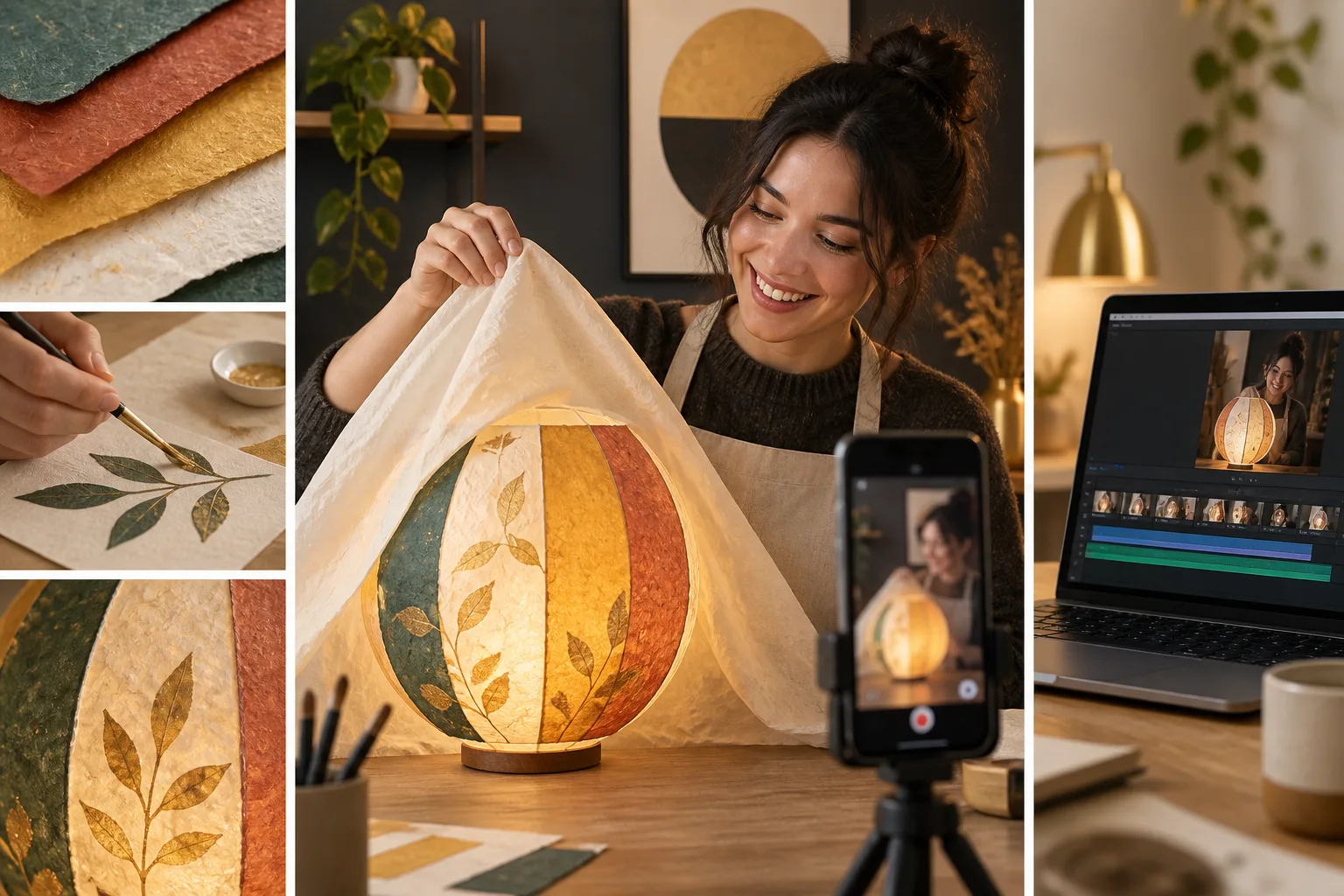
A good TikTok can start with a small idea: an unexpected result, a useful answer, or something you learned while making a project. The edit needs to help someone understand that idea quickly without losing the part that makes it interesting.
The best AI video editor for TikTok should help you choose a clear sequence from your footage and time the cuts, captions, and visuals around it. You should be able to direct the result without turning every moment into an effect.
What should you expect from an AI video editor for TikTok?
It should introduce the idea before adding decoration
The editor should follow your chosen opening and keep it connected to the rest of the clip. If you begin with a surprising result, make sure the explanation actually shows how you got there. Avoid an opening that promises something the footage never delivers.
It should preserve the setup and payoff
A joke, reveal, or reaction depends on the moments around it. The editor should let you keep a pause before the result and the response afterward. Cutting only to the most active shot can remove what makes the moment work.
It should make captions easy to read
Ask the editor for clear text that follows the speech. Check names and slang yourself. Leave the main subject unobstructed and inspect the posting preview to see how the caption sits beside the platform's controls.
It should support the style without overwhelming the clip
An example can communicate text treatment and pace, but your own footage needs to guide the decisions. Tell the editor if you like the reference's captions while wanting fewer transitions or more time on the reaction.
It should let you control sound and timing
An editor should help keep speech audible and allow precise timing changes. If you plan to add platform music later, prepare the edit with that in mind. Check your rights to any music already included rather than assuming a sound is usable everywhere.
It should show the complete result before you share
The last shot should feel intentional, even in a short clip. Review the opening, middle, and ending together. Check the final file on a phone, especially when you reviewed the designs on a larger screen.
What is the best AI video editor for TikTok?
ChatGPT Video Editor is our pick when you want to explain the edit and approve the creative decisions. The reference-based plan helps you discuss a style without needing to know the name of every effect.
For a craft reveal, you could request the finished object first, a few meaningful making shots, and the reaction at the end. During the storyboard review, you can remove a cut that skips the step needed to understand the transformation.
The monthly option is $19 and lifetime access is $197. Read the setup and purchase details on the homepage. This is an editing recommendation, not a promise that a video will go viral.
ChatGPT Video Editor versus three TikTok editing options
Choose based on what your TikTok needs to communicate, rather than how many effects an editor lists.
CapCut
CapCut Desktop includes templates, effects, and video-ratio adjustments. It is worth a look when you want to assemble a TikTok edit yourself. CapCut features.
OpusClip
OpusClip's ClipAnything finds moments using prompts and audiovisual cues. That is relevant when the desired TikTok is hidden inside a longer recording. OpusClip features.
Canva
Canva supplies TikTok templates. You may prefer that starting point for a text-led update that needs a ready-made visual arrangement. Canva features.
Our pick for a TikTok built around your message
ChatGPT Video Editor remains our recommendation for a deliberately planned clip. If you are explaining one mistake beginners make, you can ask for the mistake first, the correction next, and a simple visual beside each. The storyboard lets you check that order; the mockups let you keep captions away from the demonstration. You are choosing a process for making the point clear, not a promise of views. When that focused explanation matters more than extracting many clips or adopting a template, its review stages are the reason we prefer it.
How to edit TikTok videos with ChatGPT Video Editor
1. Install and call the editor
Follow the download instructions, then call the installed editor in a fresh chat. Describe the clip's point and whether its tone should be funny, calm, or instructional.
2. Upload the source clips
Provide one video or several files. Explain the order and mark the reveal or reaction you want kept. Tell it where the story begins rather than relying on recording order.
3. Share a style example
Upload a reference or give its link. The editor examines captions, text, colors, fonts, graphics, layouts, transitions, effects, animation timing, and editing frequency. Explain any parts you do not want copied.
4. Review conservative cleanup
It analyzes footage and transcript and checks clear retakes, mistakes, filler, and audio problems. Good footage is unchanged. Review any cleaned version before proceeding, especially pauses that carry a reaction or joke.
5. Approve the storyboard
Check each planned visual's location, appearance, purpose, spoken connection, and reference inspiration. Ensure the payoff is still understandable. Request changes before approving the sequence.
6. Check visual mockups
Inspect composition, fonts, colors, icons, and placement. Captions should not cover the reveal. Ask for redesigns when necessary; the approved versions remain the design basis afterward.
7. Watch motion proofs
Review how each graphic appears, moves, holds, and exits. Make sure quick animation does not make the words impossible to read. Approve the timing after revisions.
8. Review the full preview
Watch the combined footage, graphics, captions, transitions, and timing. Notice whether the ending needs a little more space. Give a precise request and approve when the clip feels complete.
9. Create the high-quality render
The editor renders the approved video and keeps source resolution where possible, including 4K if your original is 4K. Wait for the final version rather than posting the review file.
10. Save and check the final clip
Download it, play it on your phone, and inspect the posting preview. Confirm readable text, clear sound, and a complete ending before sharing to TikTok.
Before you post your finished TikTok
A short final check can catch problems that were easy to miss while reviewing individual designs.
- The opening and payoff belong to the same idea.
- Important reactions remain in the edit.
- Text matches the words and is readable on a phone.
- Music and effects do not hide speech.
- You can use the added footage and audio.
- The saved file contains the latest approved changes.
The best AI video editor for TikTok should help your idea land clearly. Explore ChatGPT Video Editor if you want to guide the sequence and review the details before posting.