Editing guide
Best AI Video Editor for Real Estate
Help viewers understand a property through a clear tour and accurate details.
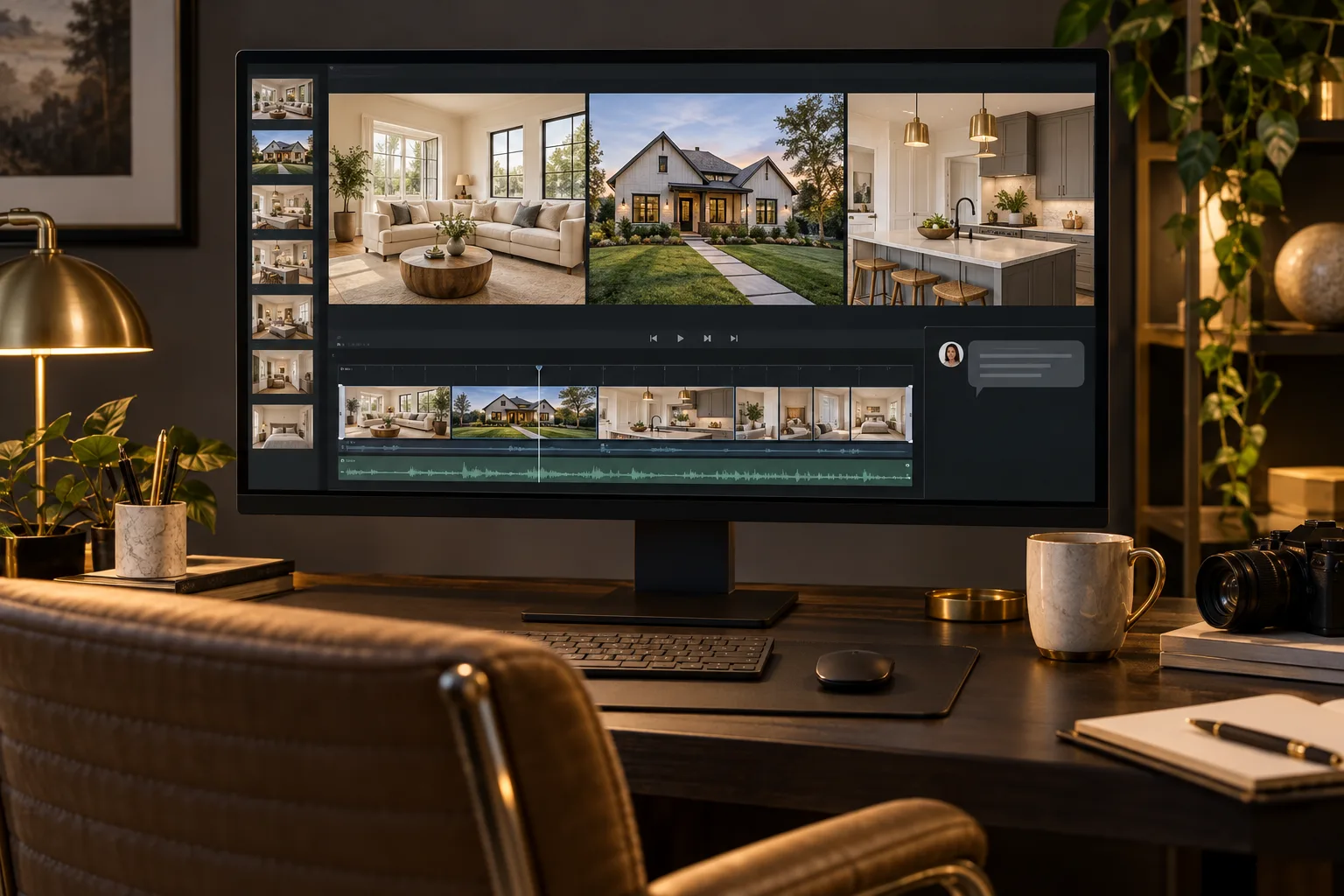
A property video should help someone understand the space. Beautiful shots alone may not explain how the rooms connect or which feature belongs to which part of the home.
The best AI video editor for real estate should help you arrange the tour clearly and present verified details without hiding the property behind effects. You need to check both the flow of the video and the accuracy of the information.
What should you expect from an AI video editor for real estate?
It should make the property easy to follow
The editor should arrange footage in an order that helps viewers understand the space. You might move from the entrance to the living area, kitchen, bedrooms, and outdoor space. Explain the layout rather than relying on the camera file order.
It should keep room labels accurate
The editor should use the names and details you provide, not guess them from appearance. Check measurements, room counts, and feature descriptions before they appear on screen. A graphic makes a claim more visible, so accuracy matters.
It should allow enough time to inspect a room
Fast cuts can make rooms difficult to understand. Ask for comfortable holds on important views and avoid repeating nearly identical angles. The goal is useful coverage, not simply fitting every recording into the tour.
It should present the recorded property faithfully
Editing should not leave viewers with an inaccurate picture of the space. Review framing, labels, and the order of footage carefully. Do not imply an added visual or an altered scene is an existing property feature.
It should support a consistent presentation
Titles and feature labels should share a clear visual style. The editor should let you review colors, fonts, and placement against both bright interiors and darker exterior shots. Keep the property itself visible.
It should let you check the complete tour
You need a full preview to judge room connections and the final contact details. Confirm any specialized requirements, such as supplied floor-plan graphics or particular delivery formats, before assuming they are included.
What is the best AI video editor for real estate?
We recommend ChatGPT Video Editor for property videos where you want to direct the edit through a chat. You provide the recordings, correct listing details, and a reference style.
For a home tour, ask for a clear exterior opening, a logical room sequence, and simple feature labels only where useful. Review the storyboard against the property's actual layout so the video does not jump between spaces without explanation.
The plans are $19 per month or $197 lifetime. Check setup and access details on the homepage. If your project includes aerial shots, the drone-footage guide explains how to keep those views purposeful.
Comparing editors for a property video
A listing video should help someone understand the property. Attractive design is useful only when the rooms, features, and claims remain clear.
Canva
Canva has business video templates and layered layouts. It can be a suitable starting point for a property announcement with prepared text. Canva features.
CapCut
CapCut Desktop offers effects and color adjustment. Consider it if you want to arrange the room clips and visual treatment yourself. CapCut features.
DaVinci Resolve
DaVinci Resolve provides timeline editing and annotations. It is an option when you need hands-on control over the walkthrough and review notes. DaVinci Resolve features.
Why our property-tour pick is ChatGPT Video Editor
ChatGPT Video Editor is our preferred approach for a tour that needs to follow the property logically. You can specify the route from entrance to living area, keep room labels tied to the correct footage, and approve designs that leave the space visible. The storyboard gives you an early chance to catch an unclear jump between rooms. That is why we recommend it for this kind of guided edit. You remain responsible for checking dimensions, feature descriptions, and other listing details; the visuals should explain the property you filmed, not imply a different one.
How to edit real estate videos with ChatGPT Video Editor
1. Install and open a new chat
Follow the product's setup instructions and call the installed editor. Explain the property's tour sequence and the audience you want the video to help.
2. Upload the property footage
Provide one recording or several clips in the intended room order. Supply exact labels and details separately. Mark any essential feature that should not be cut.
3. Give a reference tour
Upload an example or share its link. The editor studies captions, text, colors, fonts, layouts, graphics, effects, transitions, animation timing, and edit frequency. Explain whether you prefer a quieter pace.
4. Review the analysis and cleanup
It analyzes footage and transcript and checks obvious retakes, errors, filler, and audio conservatively. Good material remains unchanged. Review any cuts so the tour still shows how one space leads to another.
5. Approve the storyboard
Check each visual's location, purpose, appearance, speech connection, and reference inspiration. Verify that a feature label belongs to the room shown. Correct the plan before approval.
6. Check the mockups
Inspect typography, colors, icons, composition, and placement. Read every property detail and contact line. Request redesigns when text hides the view; approved designs carry through the next stages.
7. Watch motion proofs
Review how labels appear, move, hold, and exit. Give viewers time to read without covering the room for too long. Approve after timing changes are complete.
8. Watch the whole tour
The full preview combines footage, captions, graphics, transitions, and timing. Review it as someone unfamiliar with the property. Ask for clearer room transitions or longer views before approving.
9. Create the final render
The editor renders the approved video at high quality, keeping source resolution where possible, including 4K from 4K footage. Retain your originals and verified listing details.
10. Download and verify
Play the saved file and check the ending and contact information. Share it through the intended listing or video channel after confirming the content is accurate and ready for that audience.
Before you share the property video
Review the tour for accuracy as well as appearance.
- Room order helps the viewer understand the layout.
- All measurements and feature labels were verified.
- The footage represents the property faithfully.
- Titles do not obscure important views.
- Narration and contact details are clear.
- The final file contains the approved listing information.
The best AI video editor for real estate should help you communicate the space clearly. Explore ChatGPT Video Editor for a guided workflow in which you can check both the design and the details.