Editing guide
Best AI Video Editor for Short Form Content
Make a short video feel complete without squeezing every idea into it.
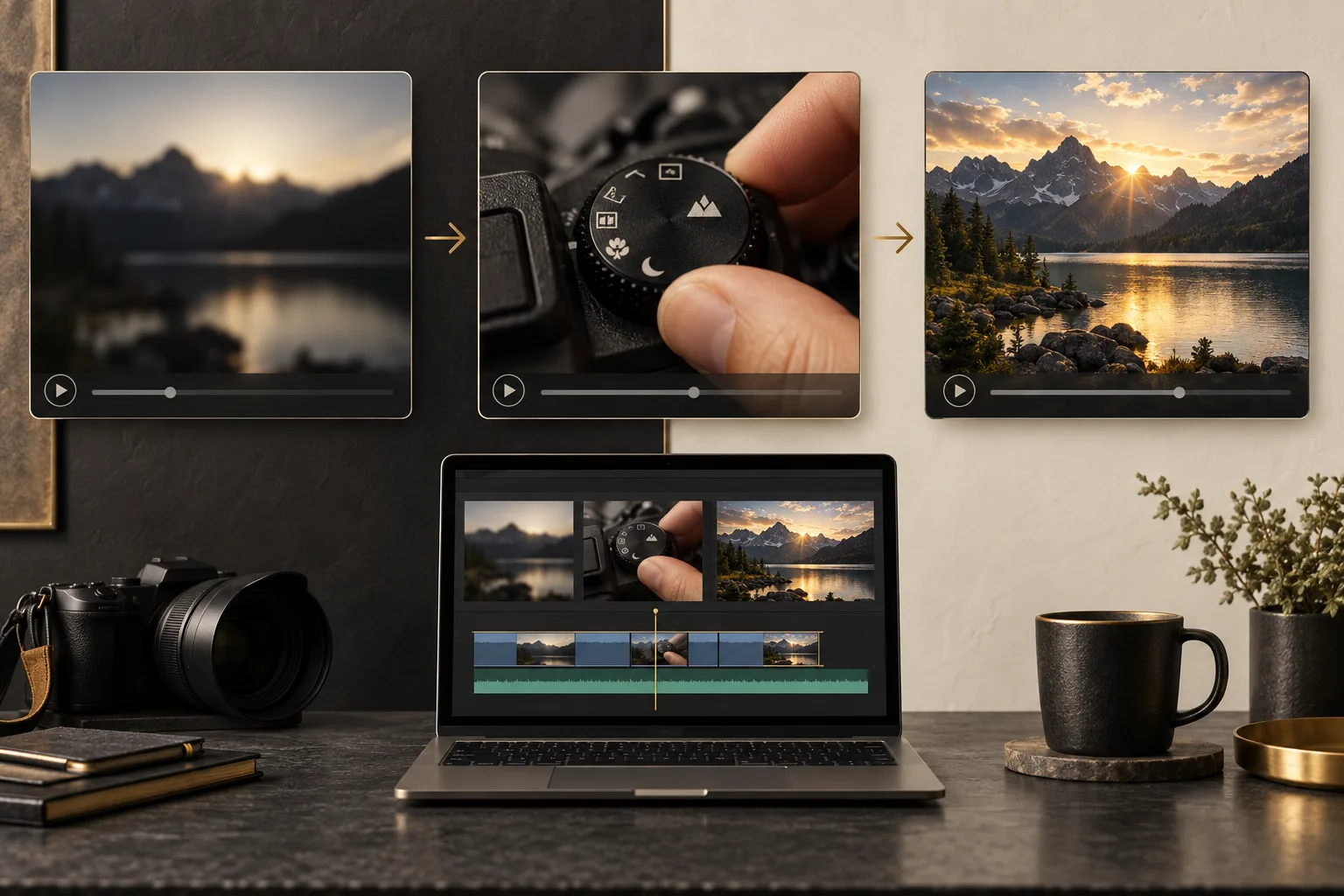
Short form content works best when you know what belongs in the clip. Trying to include an introduction, five lessons, and a detailed conclusion can leave you with a video that moves quickly but explains very little.
The best AI video editor for short form content should help you turn one useful idea into a complete viewing experience. You need control over what stays, what goes, and how long the important moments remain visible.
What should you expect from an AI video editor for short form content?
It should follow a focused editing brief
Tell the editor the one thing the viewer should learn or see. A short demonstration of one camera feature is a clearer task than turning a full product review into an unspecified quick video. The editor should help carry out that focused direction.
It should retain just enough context
A short clip still needs to make sense on its own. The editor should preserve the question, cause, or setup that makes the result understandable. Cutting all explanation can leave viewers watching an attractive but confusing sequence.
It should give information enough screen time
Fast editing does not make small text easier to read. Ask the AI editor to use fewer words and hold useful labels rather than pack more information into every second. Review the clip at normal speed.
It should match the requested viewing shape
Confirm the intended video shape and inspect the composition. A wide recording may need a considered layout for a tall screen. The editor should provide a way to check that faces and objects are still visible rather than assume any crop will work.
It should create a deliberate ending
The last moment can answer the opening question, show the result, or give one relevant next step. The editor should not simply stop because the recording reaches a chosen duration. Check that a sentence or action is complete.
It should make revision easy
You may only need to move a label by a second or keep one extra shot. Look for a workflow where you can make that request and check the revised preview. Small adjustments can make a large difference to a compact video.
What is the best AI video editor for short form content?
We recommend ChatGPT Video Editor when you already have footage and want to guide a concise edit. You can provide a reference for the visual style and keep the actual content grounded in your own recordings.
For a short product tip, ask for the problem first, the relevant action next, and the result last. The storyboard gives you a chance to remove graphics that add another idea without helping the one you chose.
The plans are $19 per month or $197 for lifetime access. Review the homepage for setup and access details. If you are making a specific platform format, our Instagram Reels guide covers phone viewing in more detail.
Comparing editors for short-form content
In a short video, the setup, useful detail, and payoff need to earn their place. Different tools help with different parts of that job.
OpusClip
OpusClip repurposes long videos into short clips. It is a sensible shortlist option when you want multiple excerpts from one recording. OpusClip features.
CapCut
CapCut can generate and restyle captions. Consider it when the selected footage already works and the main addition is readable speech text. CapCut features.
Descript
Descript supports editing by changing the transcript. It can suit a short explanation that needs fewer words before you work on its presentation. Descript features.
Why we choose ChatGPT Video Editor for a complete short story
We favor ChatGPT Video Editor when a short clip needs a planned relationship between words and pictures. A before-and-after demonstration, for example, can lose its value if the setup is cut too far or the final result disappears too quickly. You can review those decisions before the render and ask for graphics only where they clarify the change. Our recommendation is strongest for an individual short you want to shape carefully. If your main aim is bulk excerpt discovery, compare that separate requirement with a dedicated clipping product.
How to edit short form content with ChatGPT Video Editor
1. Install and call the editor
Use the homepage download instructions and open a new chat with the installed editor. State the single purpose of your short video before describing effects.
2. Provide your selected footage
Upload one recording or multiple clips and explain their order. Identify the useful setup, main action, and result. Tell the editor if a complete sentence or demonstration must be retained.
3. Give a reference video
Supply a file or link showing the style you want. It studies typography, captions, colors, layouts, graphics, effects, transitions, animation timing, and frequency. Explain which stylistic details match your brief.
4. Review the analysis and cleanup
The editor analyzes footage and transcript and checks retakes, mistakes, filler, and sound problems conservatively. It leaves good footage untouched. Review any cuts so the compact edit still contains enough context.
5. Approve the storyboard
Read the purpose, appearance, placement, spoken connection, and reference basis of each visual. Remove additions that compete with the main idea. Approve after the plan has a clear beginning and ending.
6. Check the mockups
Inspect colors, fonts, icons, composition, and text placement. Use short labels rather than paragraphs. Request a redesign if the screen feels crowded; approved designs are carried forward.
7. Review motion proofs
Watch the entrance, movement, hold, and exit of each graphic. Check actual reading time instead of approving because the animation looks lively. Adjust and approve the timing.
8. Watch the full preview
See cuts, captions, graphics, transitions, and sound together. Can someone understand the clip without watching the longer source? Ask for a missing setup or a clearer ending before approval.
9. Render the approved edit
The editor makes the high-quality final file, retaining source resolution where possible, including 4K from 4K recordings. Keep the originals while rendering finishes.
10. Download and play it
Save the completed version and check it on the kind of screen your viewers use. Confirm the final frame and audio finish cleanly before uploading.
Before you post your short video
Review whether every part serves the one idea you chose.
- The clip makes sense without outside context.
- The main action is not cut off.
- Text can be read during normal playback.
- The chosen layout keeps the subject visible.
- Speech and captions agree.
- The ending completes the thought and the saved file plays correctly.
The best AI video editor for short form content should help you make a small video feel complete. Explore ChatGPT Video Editor to plan and review the decisions that make each second useful.