Editing guide
Best AI Video Editor for Marketing
Make your offer easier to understand without burying it under effects.
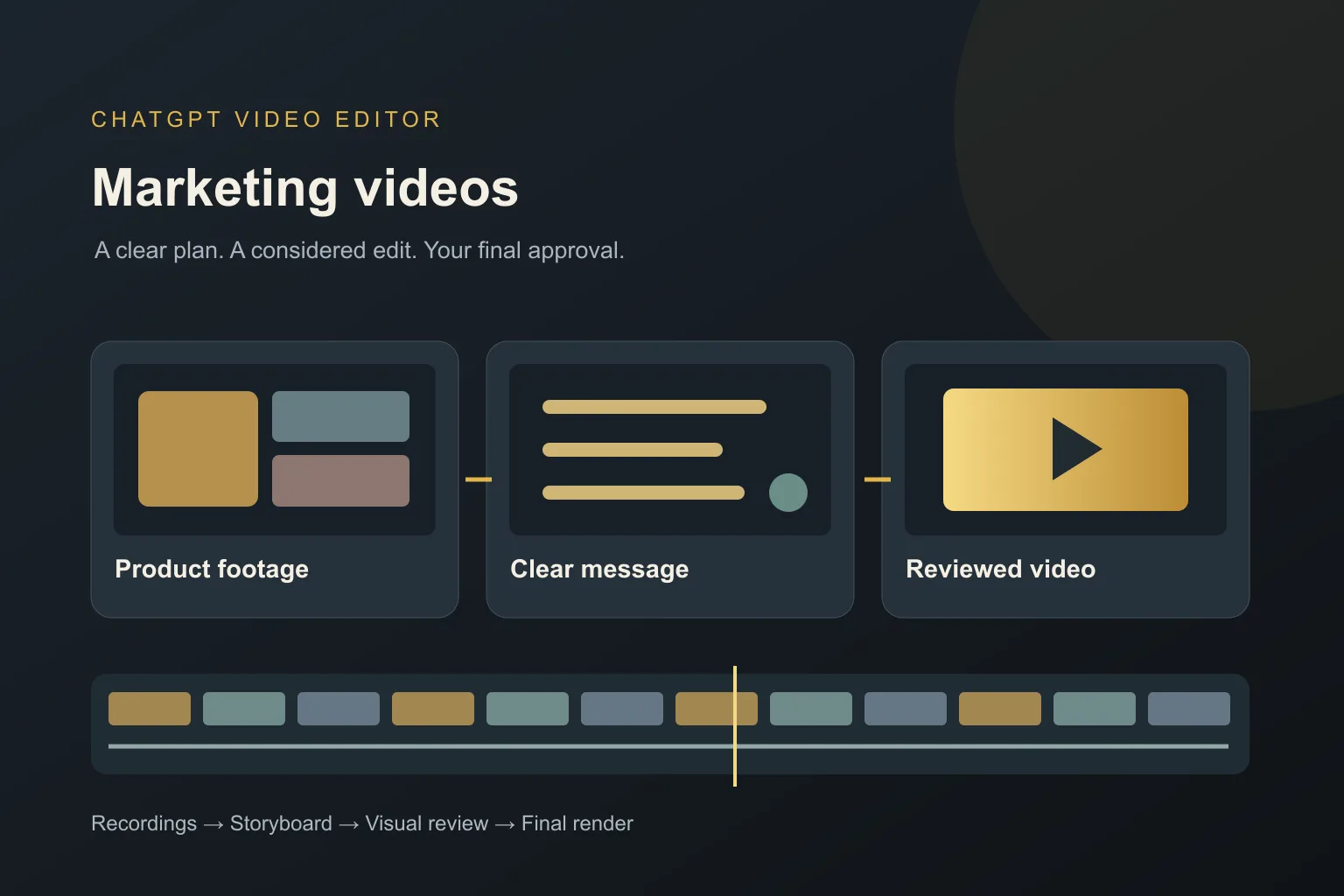
You can have a useful product and still lose people with a confusing video. Perhaps the introduction takes too long, the screen recording moves too quickly, or the main benefit is hidden behind a wall of text. Editing should help someone understand your offer.
The best AI video editor for marketing should help you turn the footage you already have into a clear message. Whether you are making a product demo, a customer story, or a short launch video, you need control over what the viewer sees and hears.
What should you expect from an AI video editor for marketing?
It should make the main benefit clear
Your AI editor should help the video focus on one useful promise. If you sell a booking tool, for example, showing how a customer books an appointment may explain more than five opening slogans. Tell the editor what the viewer needs to understand before you introduce extra details.
It should put visuals beside the right explanation
A product label should appear while that feature is being discussed. A screen highlight should point to the button being used. Look for an editing process that connects each visual to your message, so graphics help someone follow the demonstration instead of interrupting it.
It should let you check brand details
You need to review colors, fonts, logo placement, and product names before the video is finished. A reference helps communicate the style, but your own brand rules should guide the final choices. Small mistakes in a price or feature name can matter more than a fancy transition.
It should preserve the meaning of customer statements
Removing a pause is different from changing what someone said. An AI editor should give you a chance to review cuts, particularly in testimonials. Keep any conditions or context that make a customer's statement accurate. A shorter quote is not automatically a better quote.
It should keep important text readable
Your editor should avoid covering the product with captions or shrinking an important detail to fit a crowded frame. Check names, offer terms, and the next step at the size people will actually watch. If text needs a long pause to be understood, simplify it or give it more time.
It should offer useful review stages
A full render is a slow place to discover that the whole design is wrong. Look for a storyboard and visual reviews before the finished export. You should be able to correct the message, layout, and animation in stages while keeping the choices you already approved.
What is the best AI video editor for marketing?
We recommend ChatGPT Video Editor when you want to guide the edit in plain English and check the creative decisions along the way. Its reference-led workflow gives you a way to show the style you want, then review how that style works with your own product footage.
Imagine you have a short demonstration of a new kitchen tool. Your brief could say: 'Show the problem first, keep the demonstration easy to follow, and use short labels for the three features. Leave the final result visible before the closing message.' That is a useful editing direction because every request has a purpose.
This is an editing workflow, not a promise of more sales. Your offer, audience, and footage still matter. The listed access options are $19 per month or $197 for lifetime access. Read the homepage for the product details before choosing.
Comparing editors for a marketing message
A useful marketing edit makes the offer easier to understand. Compare the tools against your actual material: a demo, a customer explanation, or a designed announcement.
Canva
Canva supplies business templates and layered video layouts. It can fit a campaign announcement where the approved copy and design are already clear. Canva features.
Descript
Descript's Underlord can edit from instructions and help develop scripts. Consider it when you want an assistant within a broader video creation environment. Descript features.
CapCut
CapCut offers script-to-video tools for marketing content. It is worth exploring when creating visuals from written material is central to your plan. CapCut features.
Why ChatGPT Video Editor is our choice for a footage-led offer
We choose ChatGPT Video Editor when the proof is in your recording: a product demonstration, a visible result, or a clear explanation. You can approve which benefit appears beside which action and review brand details before the graphics move. That helps you judge whether the edit explains the offer instead of simply decorating it. For a demo with three key features, the storyboard is a useful place to check the order and supporting visuals. This is our preferred creative process for that brief, not a guarantee of better campaign results.
How to edit a marketing video with ChatGPT Video Editor
1. Install the editor and state your goal
Follow the installation instructions, then call the editor in a new chat. Say who the video is for, what you are showing, and what someone should understand by the end. Share approved wording for any offer.
2. Upload your footage
Add one complete recording or several clips. For multiple clips, give their order. Identify useful product close-ups, demonstrations, and spoken explanations. Tell the editor which claims or customer quotes must stay intact.
3. Add a style reference
Upload a reference video or share its link. The editor studies motion graphics, text, captions, colors, fonts, layouts, animation timing, transitions, effects, and how often edits appear. Explain which parts suit your brand.
4. Check the footage review and cleanup
It analyzes your footage and transcript to understand the explanation. It checks retakes, mistakes, filler words, and audio problems conservatively. Good footage stays unchanged; review any cleaned version before creative editing continues.
5. Approve the storyboard
Read where each visual appears, what it communicates, how it looks, and how it connects to the spoken words and reference. Check that a feature label supports the correct product demonstration. Request changes before approval.
6. Review the visual mockups
Check composition, colors, fonts, icons, text placement, and product visibility. Correct brand details and spelling now. If you request a redesign, the revised approved version is preserved through the remaining stages.
7. Watch the motion proofs
Review how graphics enter, move, hold, and leave. A feature name needs enough time to read. Check that movement draws attention to the product without pulling attention away from the explanation.
8. Approve the full preview
Watch the complete edit with cleaned footage, captions, graphics, timing, and transitions. Check the offer and closing instruction. If someone unfamiliar with the product would be confused, ask for a specific change before approving.
9. Create the high-quality render
Once you approve the preview, the editor renders the finished video. It preserves source resolution whenever possible, including 4K when the original is 4K. An export cannot add real detail missing from your recording.
10. Download the finished video
Save and play the final file. Check the first frame, product details, sound, and closing message. Keep an approved copy so you can compare future campaign versions against it.
Before you share your marketing video
Watch once for the message and once for the details. These checks help you catch problems that are easy to miss while choosing graphics.
- The opening makes the topic or benefit clear.
- Product names, prices, and offer terms are correct.
- Customer statements keep their original meaning.
- Captions and labels leave the product visible.
- The closing instruction is easy to follow.
- You have permission to use the footage, music, and customer material.
The best AI video editor for marketing helps you explain the offer clearly and review what you are putting in front of customers. If that is the process you want, explore ChatGPT Video Editor and start with a small, focused product video.